Whoever's running it
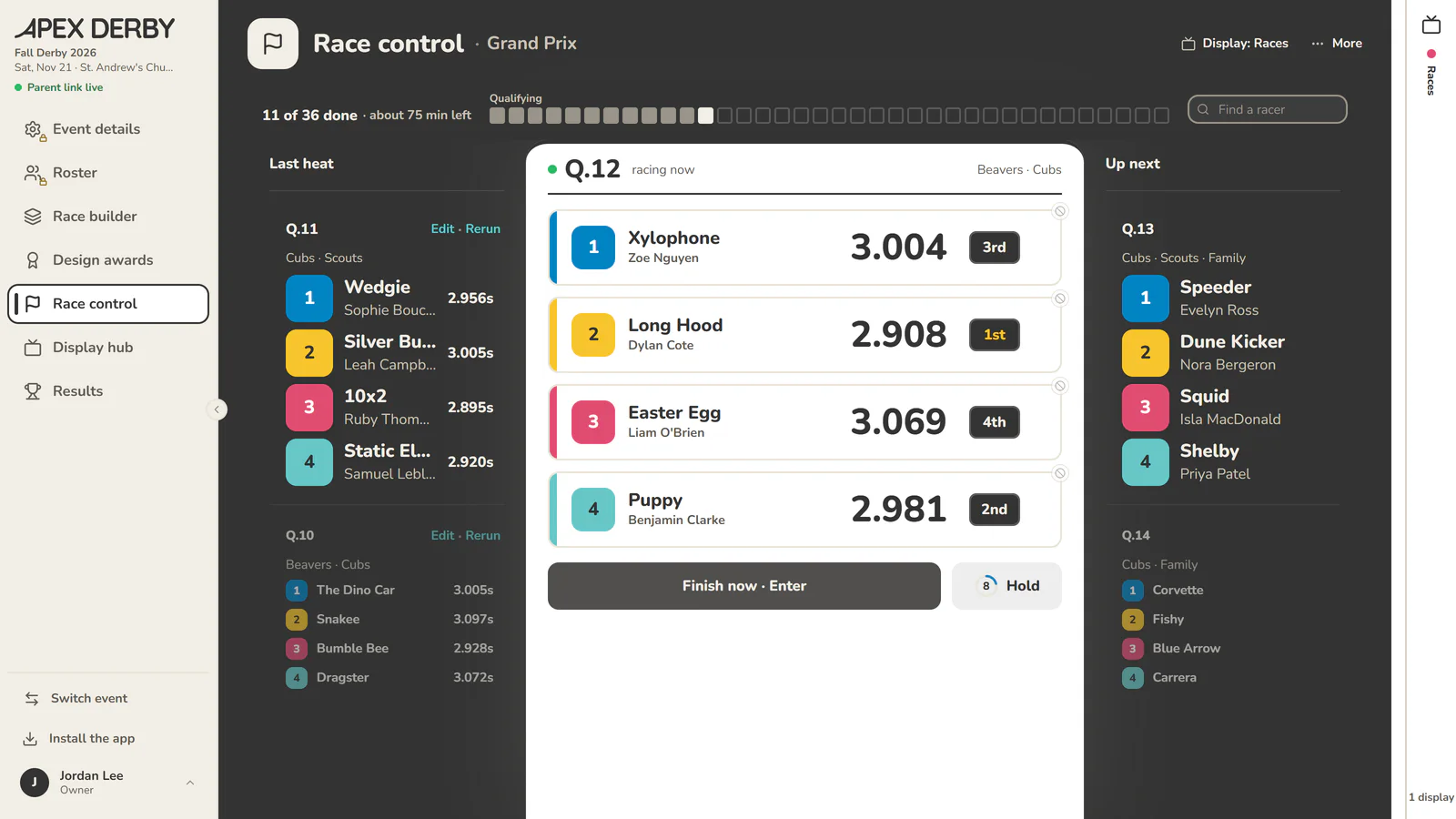
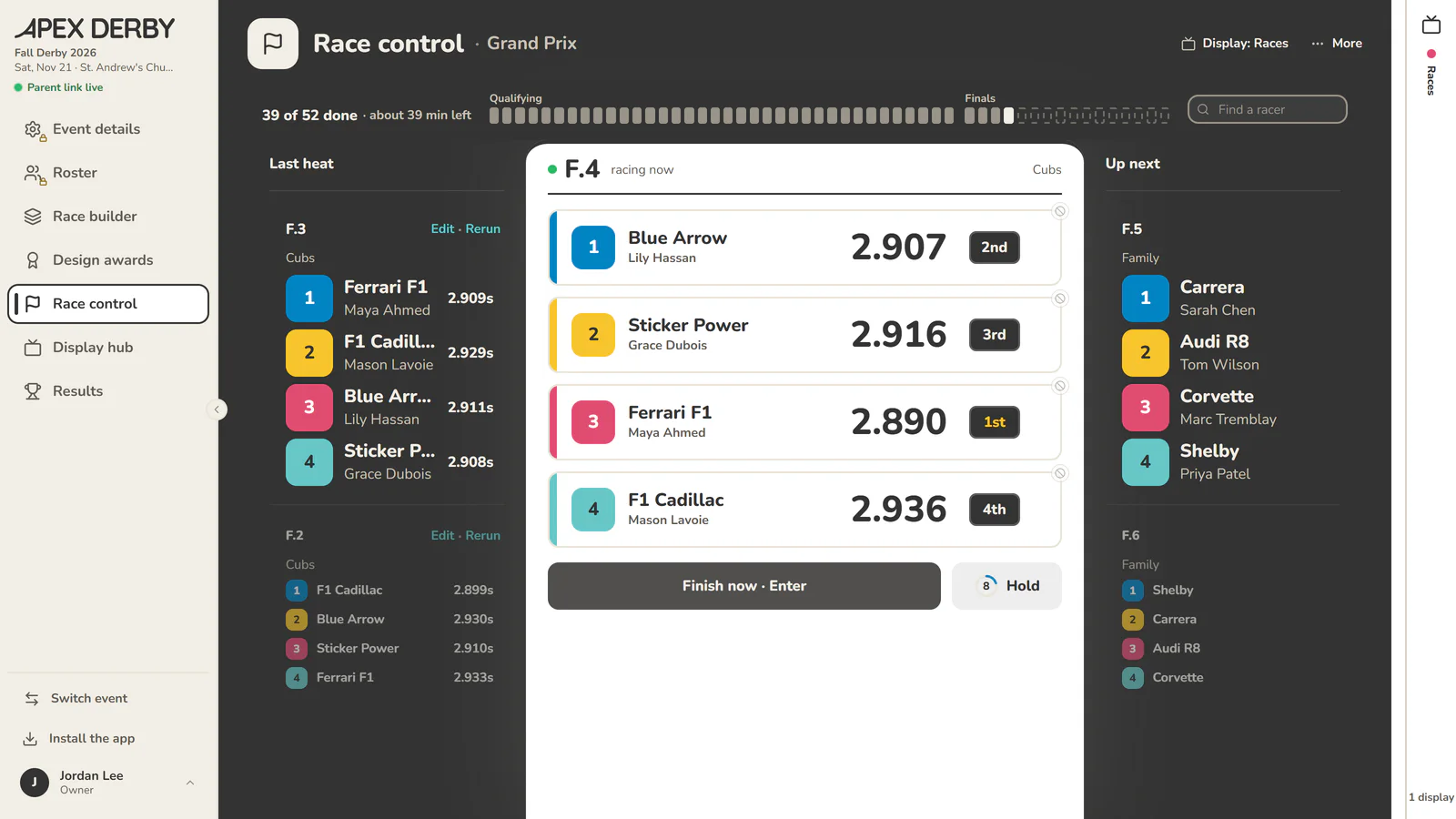
The heat, the lanes, the timer and the next step, always in view. Reruns, swaps and no-shows take one tap, and the display screen follows along by itself.
Heats, lanes, timing and standings for your race day, set up free in an afternoon. You run the race. The spreadsheet, the clipboard and the arguments about lane two stay home.
Free to set up and practice · $50 USD unlocks race day · up to 200 racers · no subscription
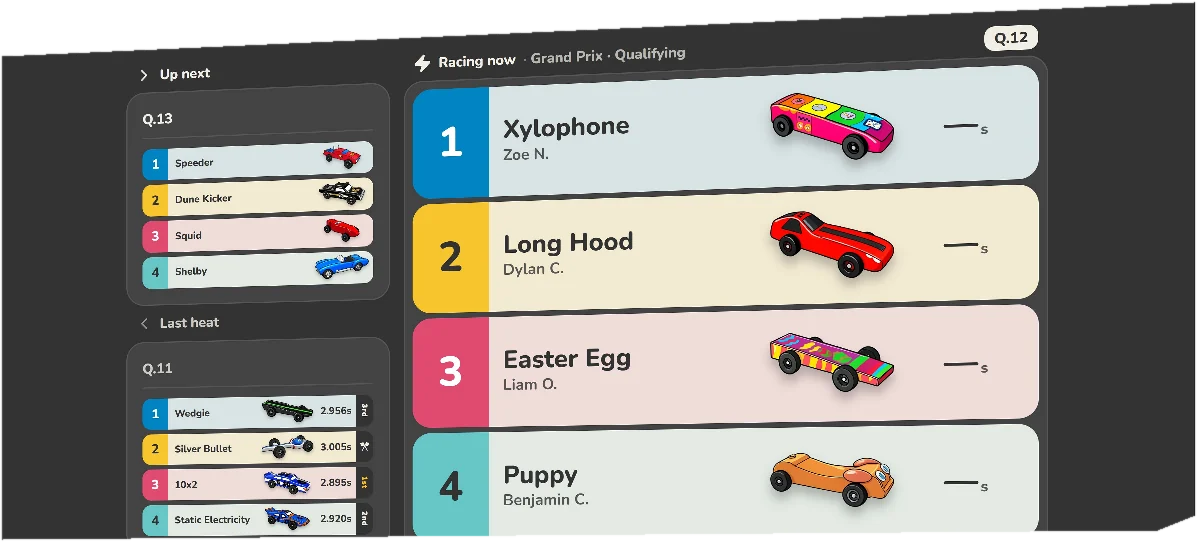
The heat, the lanes, the timer and the next step, always in view. Reruns, swaps and no-shows take one tap, and the display screen follows along by itself.
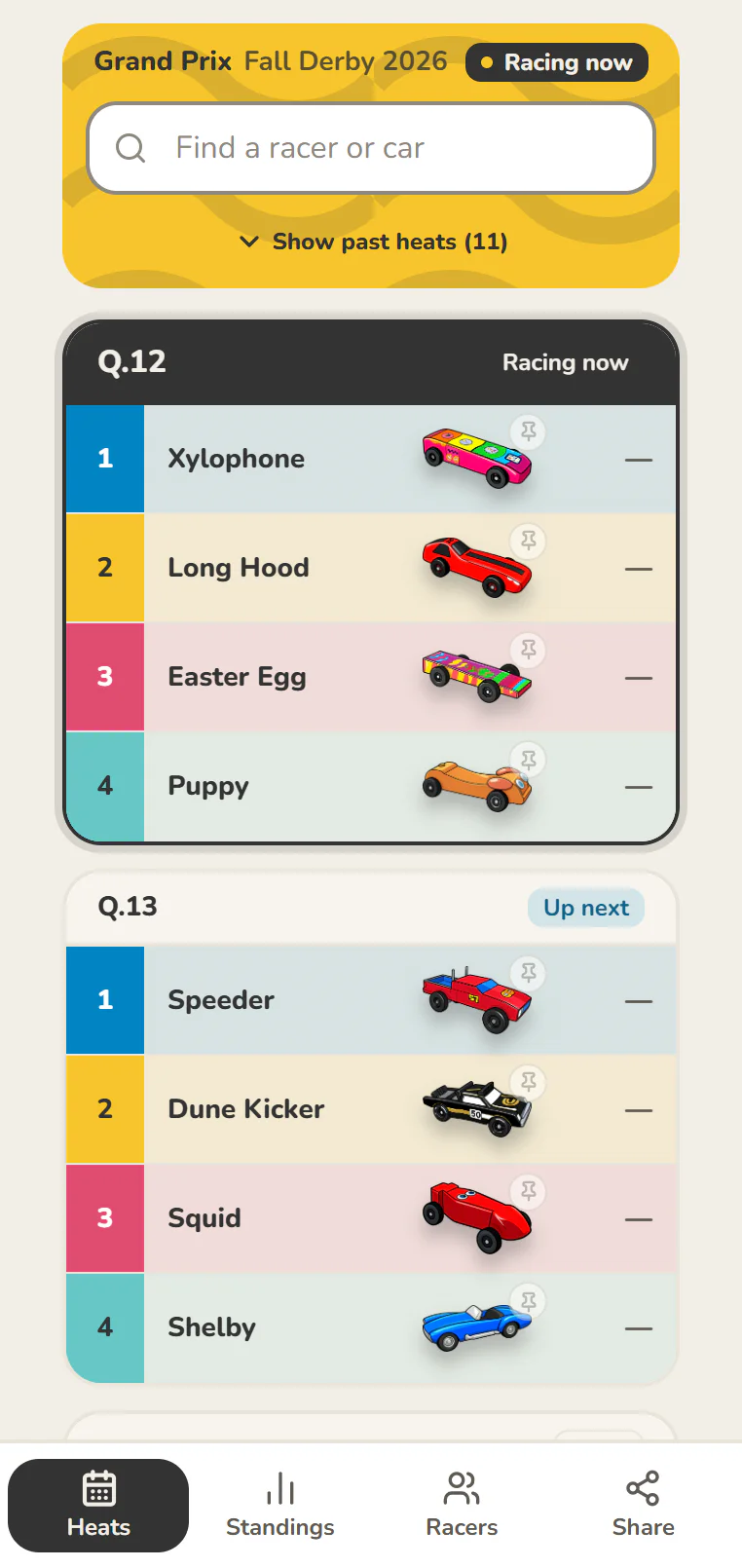
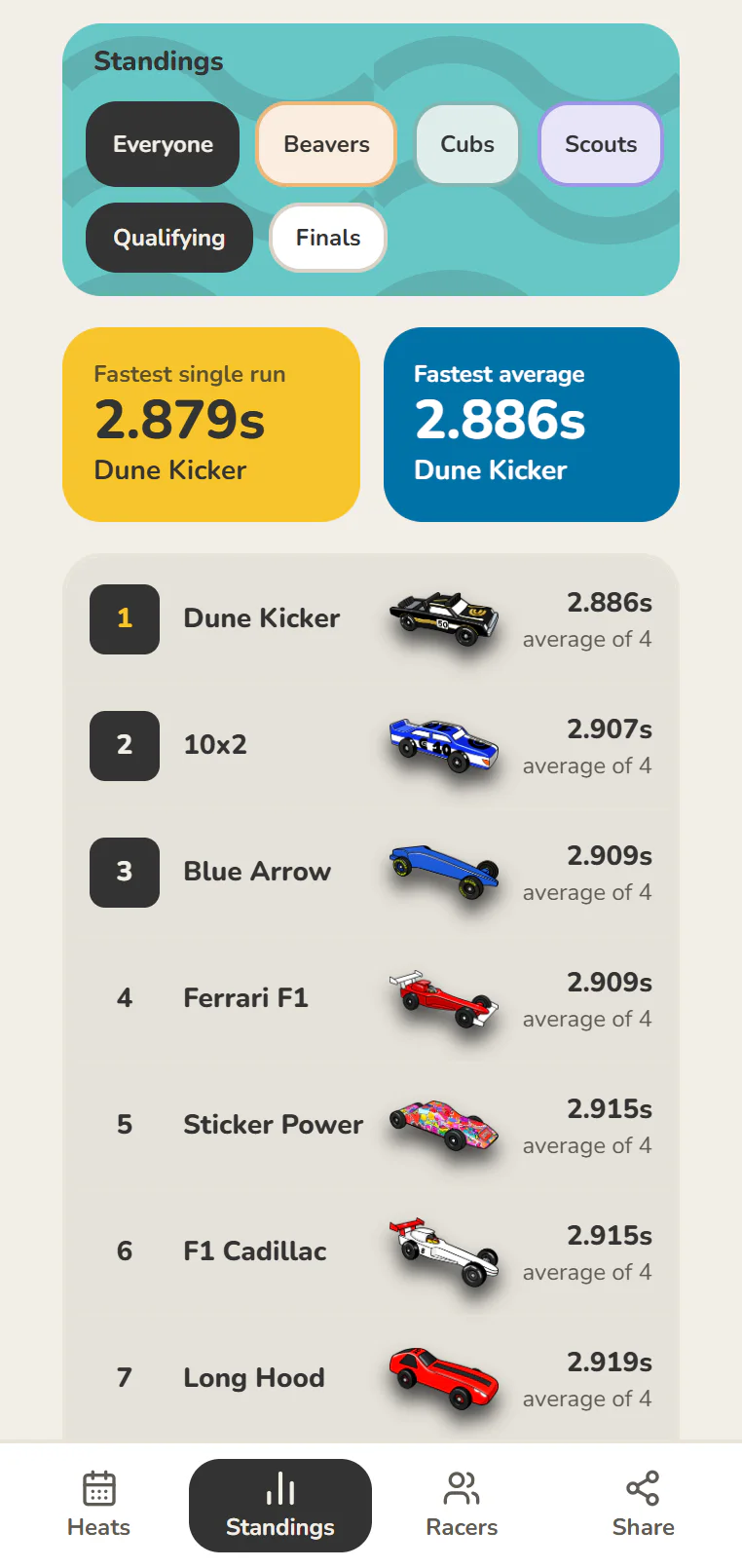
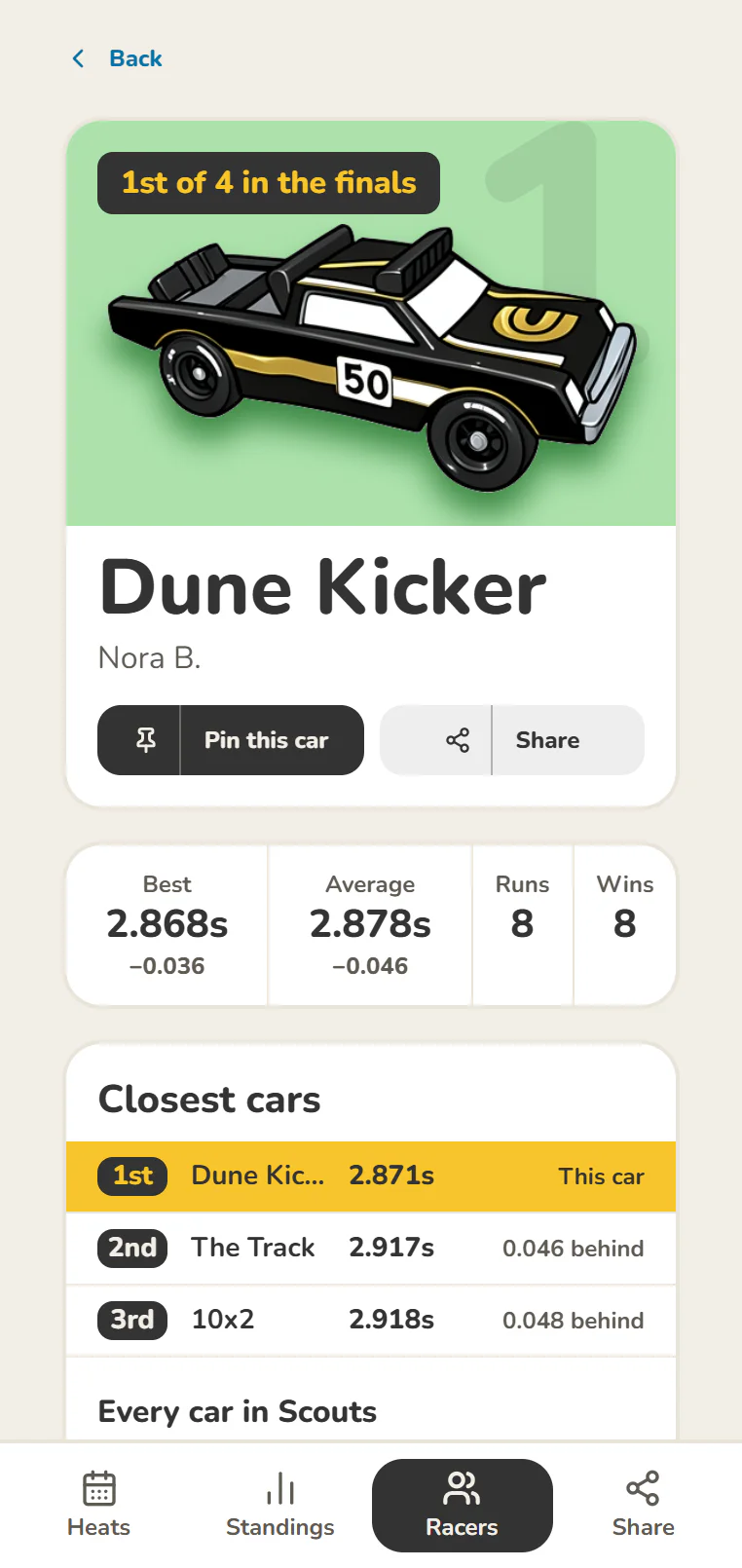
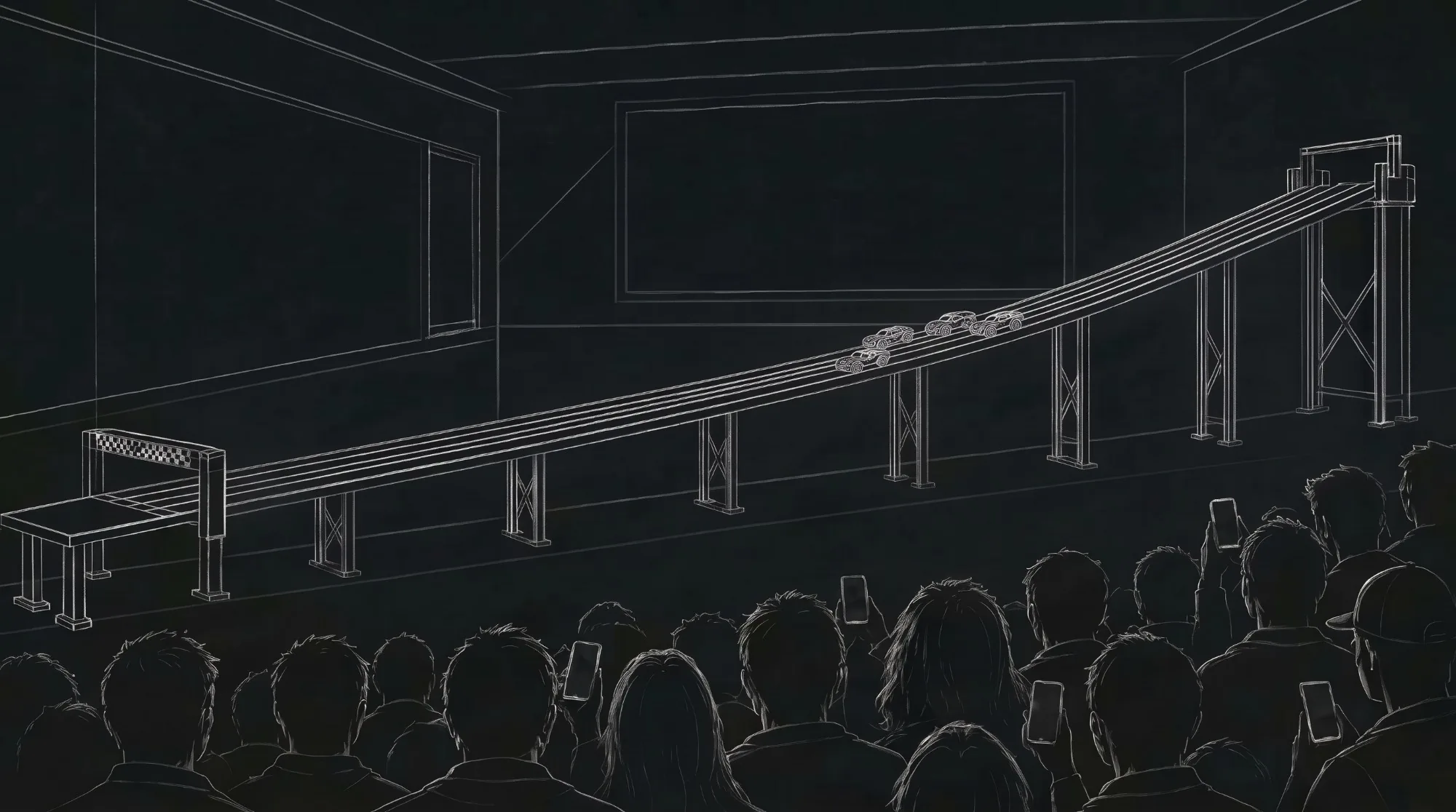
Follow your racer from your own phone. When they're up next, how they did and where they stand. Nothing to install.
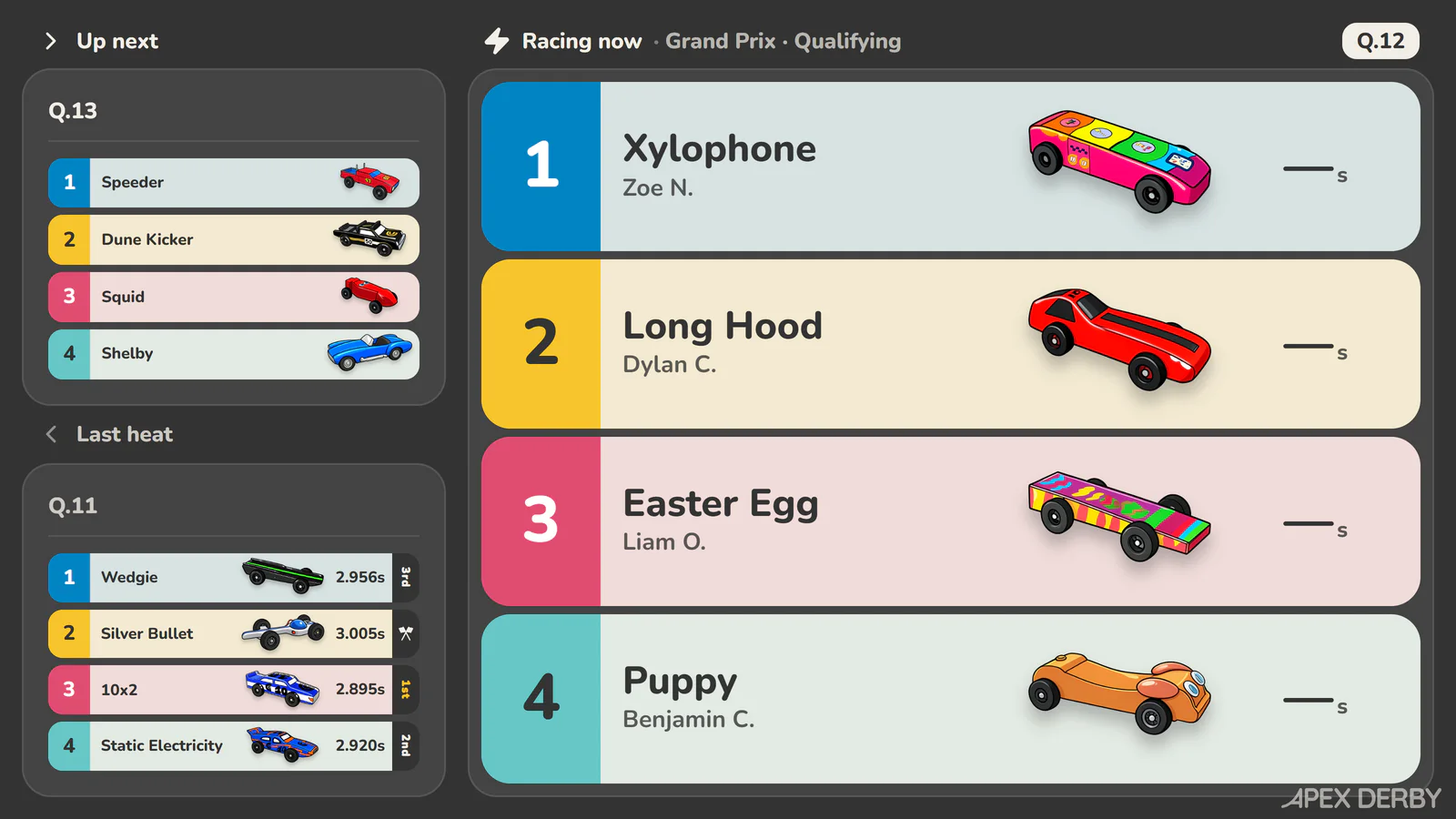
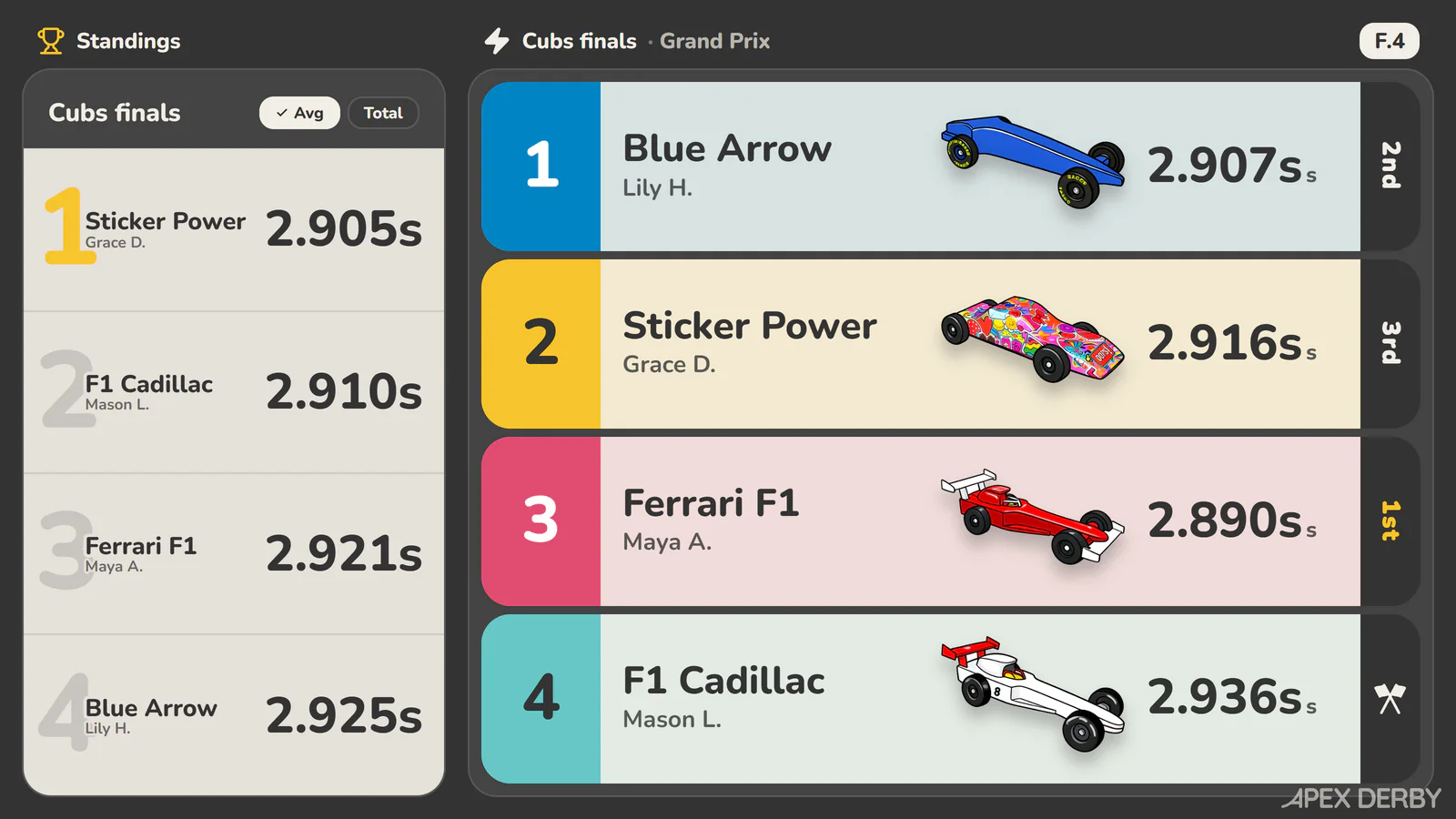
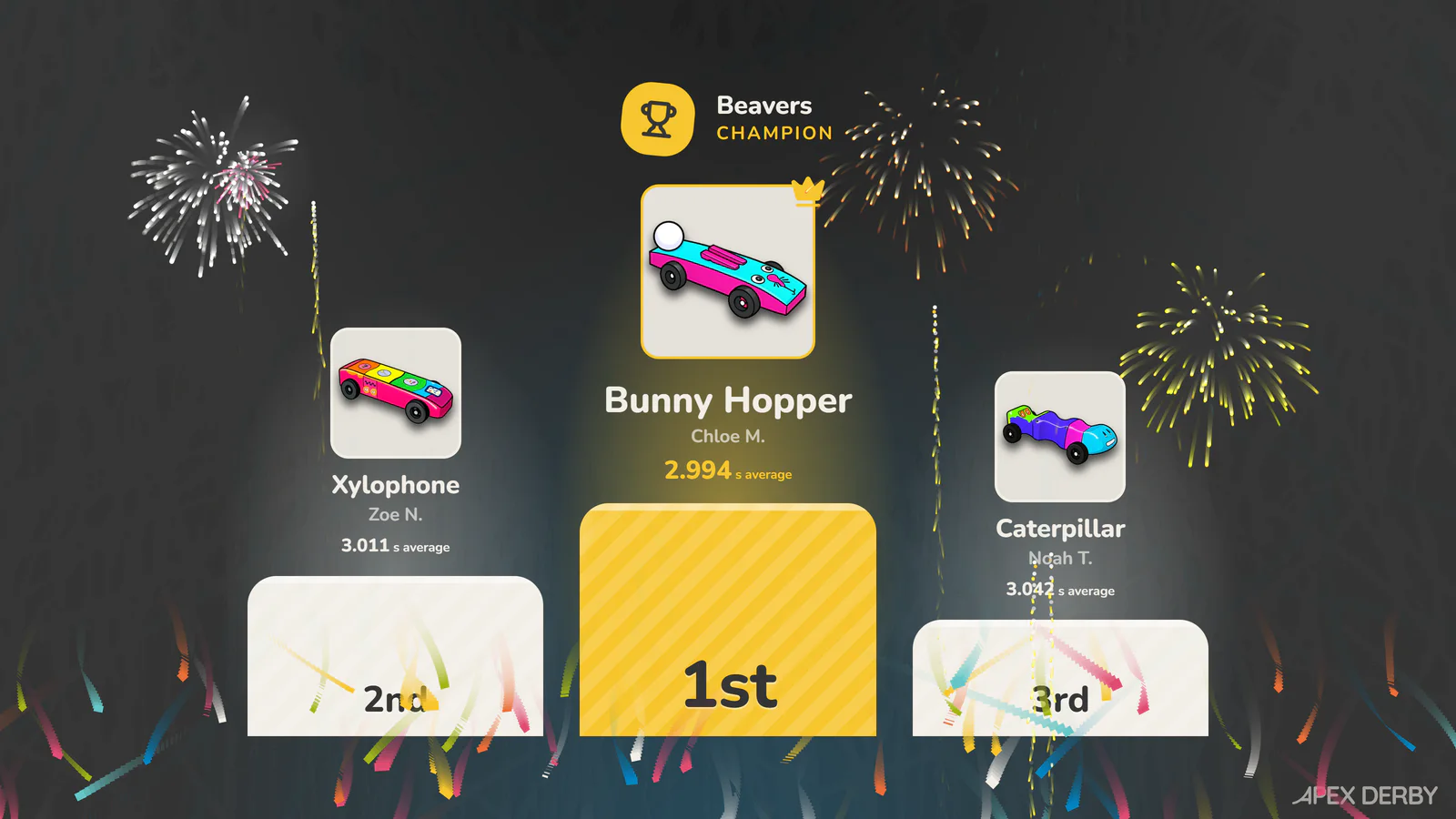
Connect any screen or projector. Who's up, who won, what's next, and a podium moment when the finals wrap up.
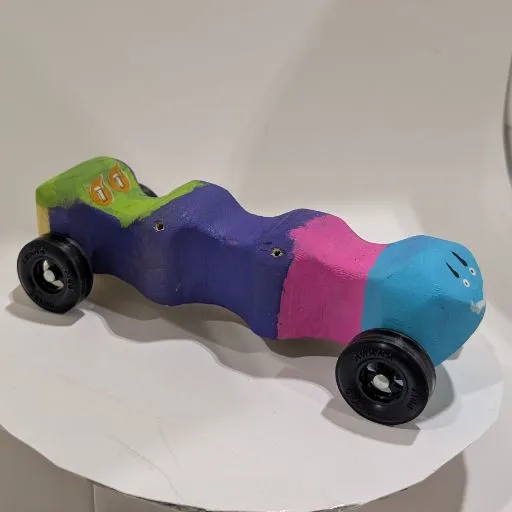
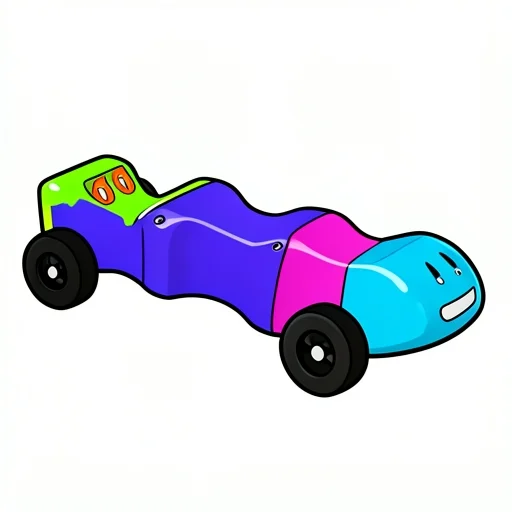
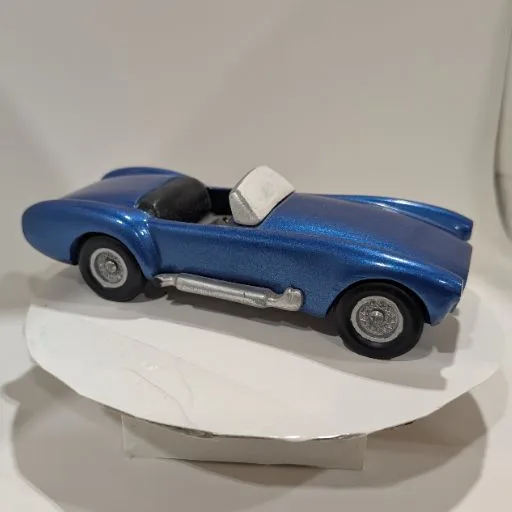
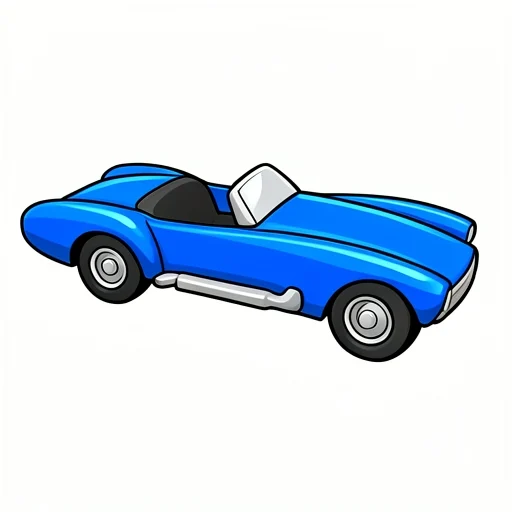
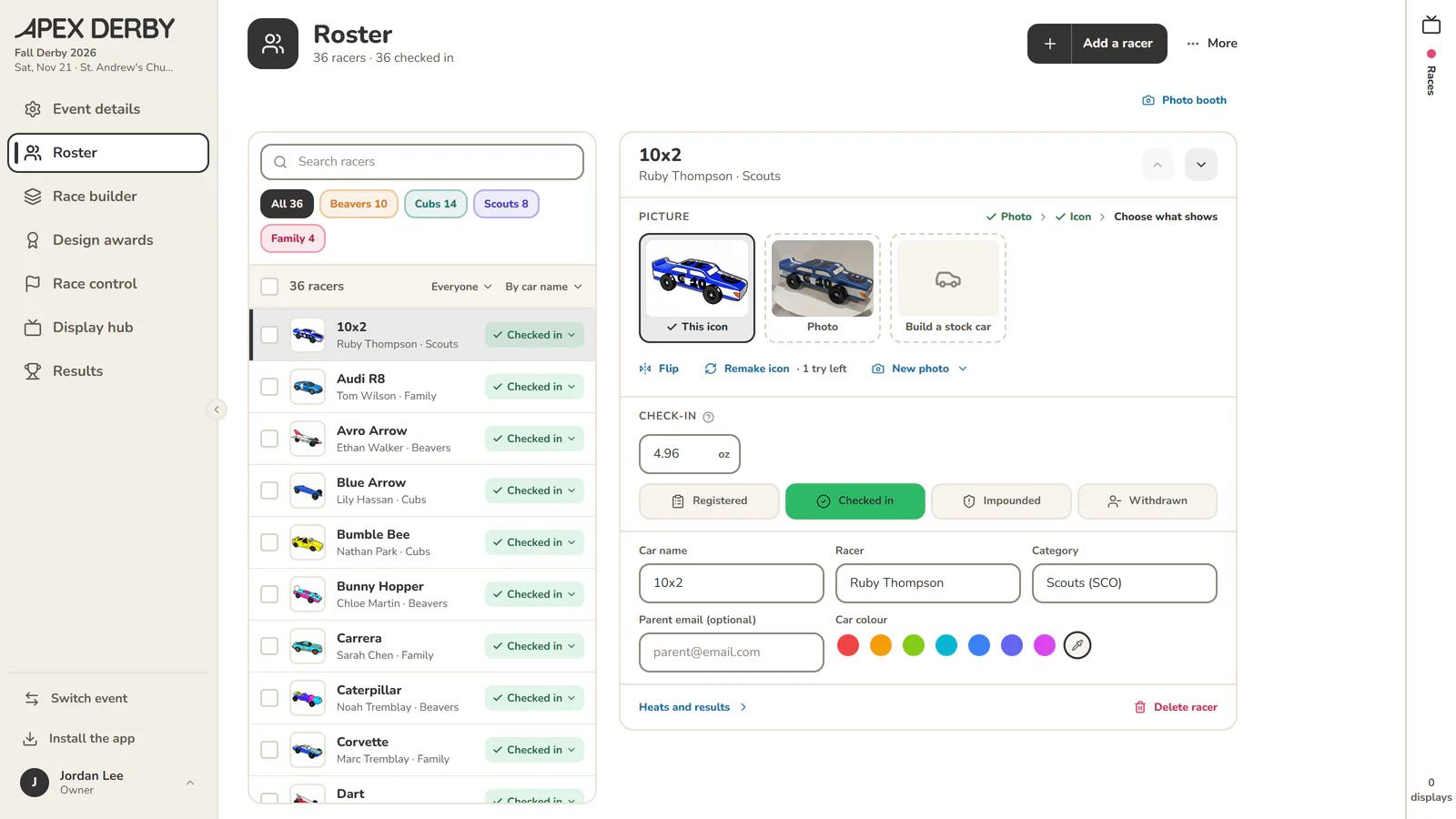
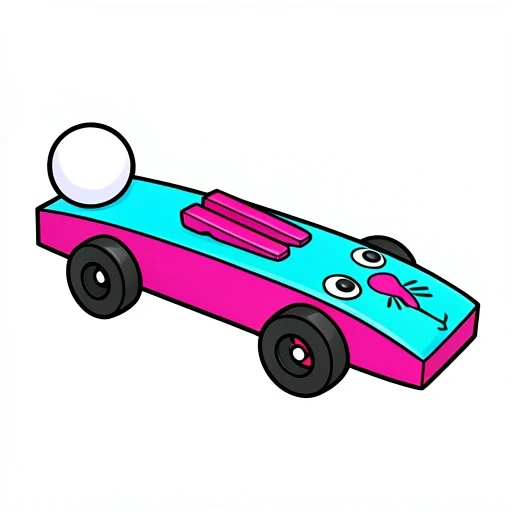
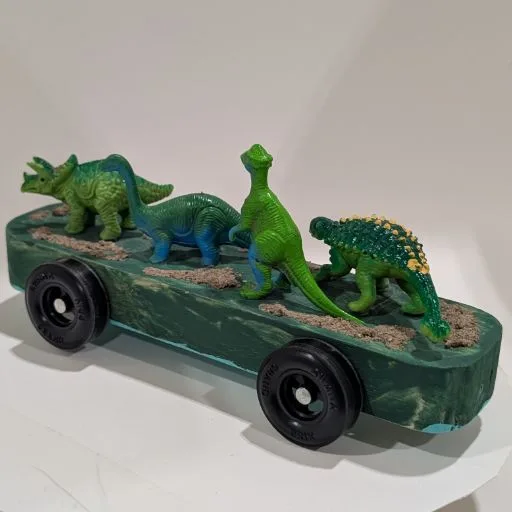
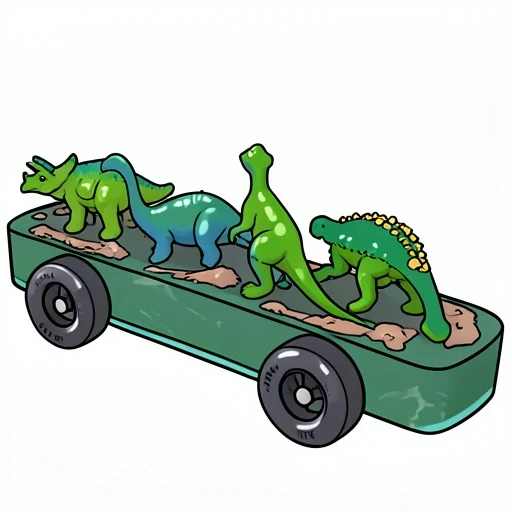
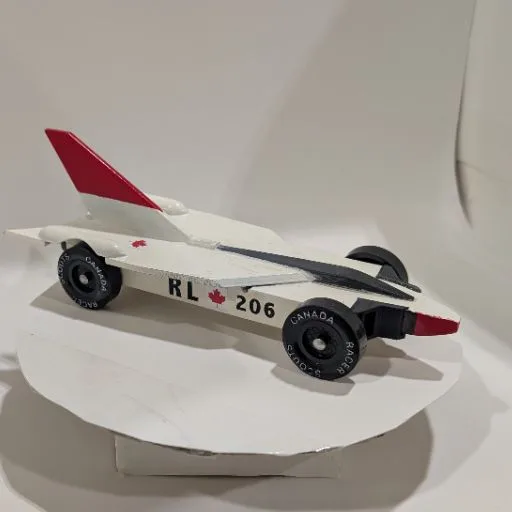
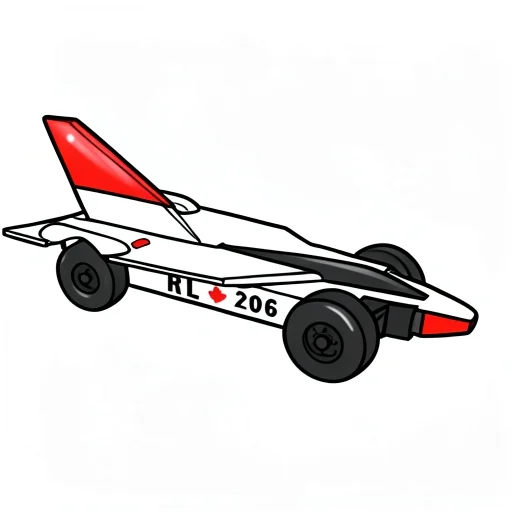
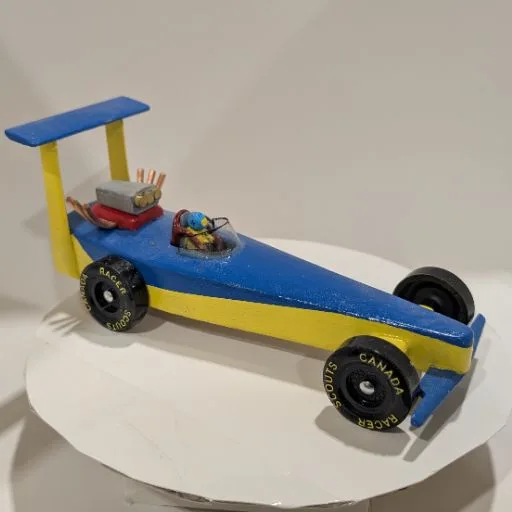
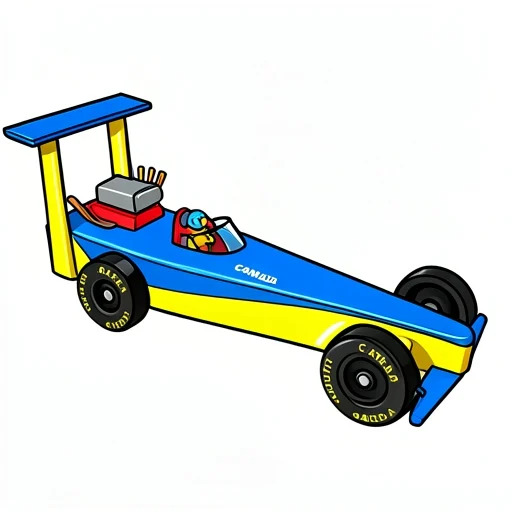
Streaming it? Overlays for OBS are built inTake one picture at check-in and the car shows up as a cartoon on the display screen and every parent's phone. Kids spot their own car from across the room.
How the icons are made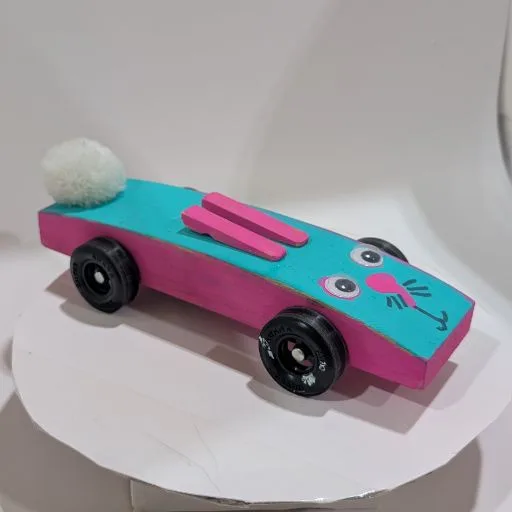
USB or Bluetooth finish lines connect in a minute. No timer yet? Type the times in and everything else works the same.
Supported timersEvery part of your race day in one place: the roster, the races and the equipment.
Heat schedules are generated for you so each car runs every lane. Nothing to work out by hand.
Your finish line connects over USB or Bluetooth, or type the times in. Heats advance themselves.
Live on the display screen and every parent's phone. Printable results and a certificate for every racer.
Everything before the first heat costs nothing. $50 unlocks race day for one event, up to 200 racers. No subscription, no per-racer fees.
If Apex Derby lets you down on race day, we'll refund your event or give you another one free.
$50USD per event
Checkout opens soon.
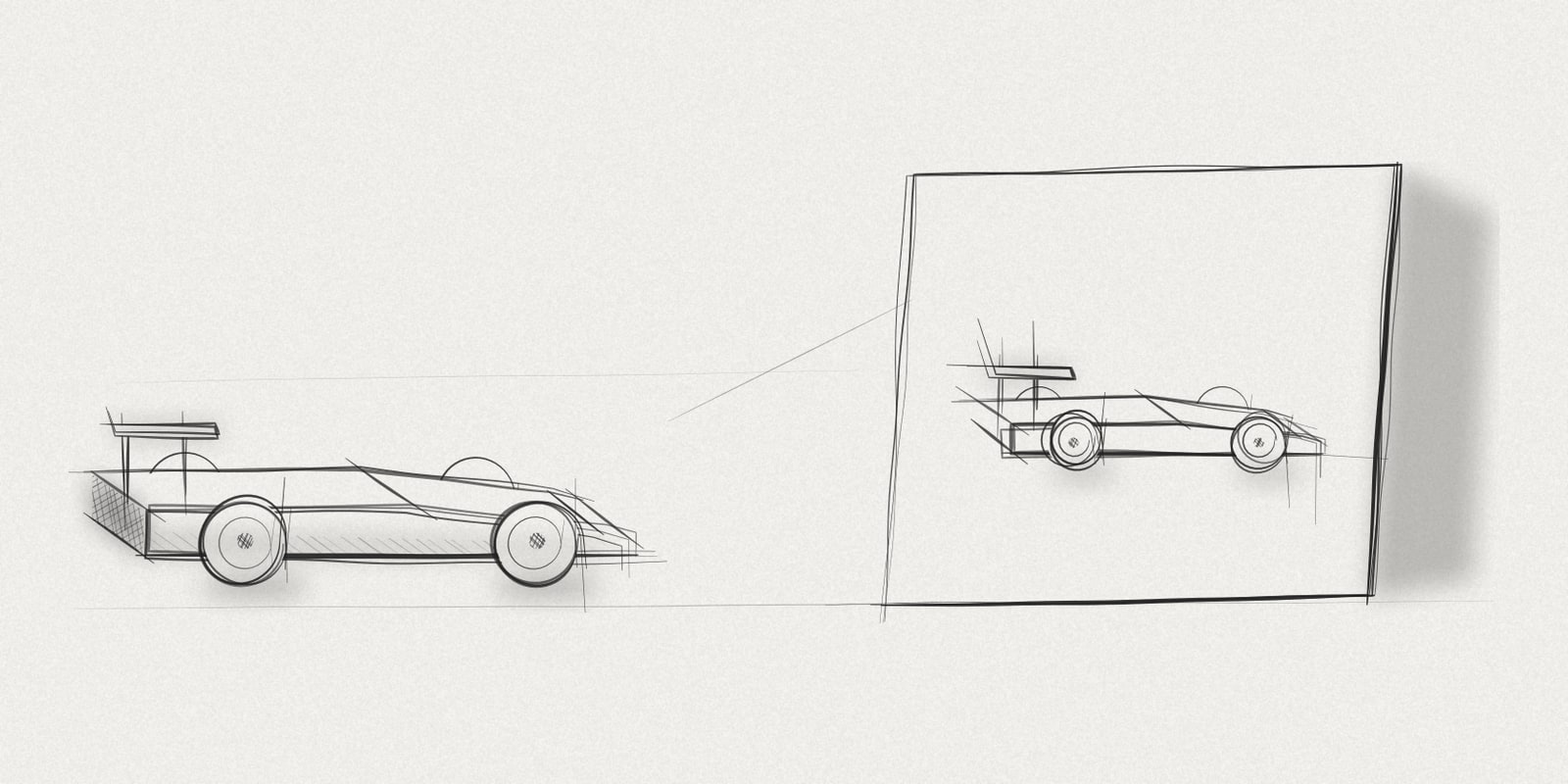
Pinewood derby car icons made from one check-in photo per car. I did 52 cars at my church's race. What came out right, and what the icon maker changed.
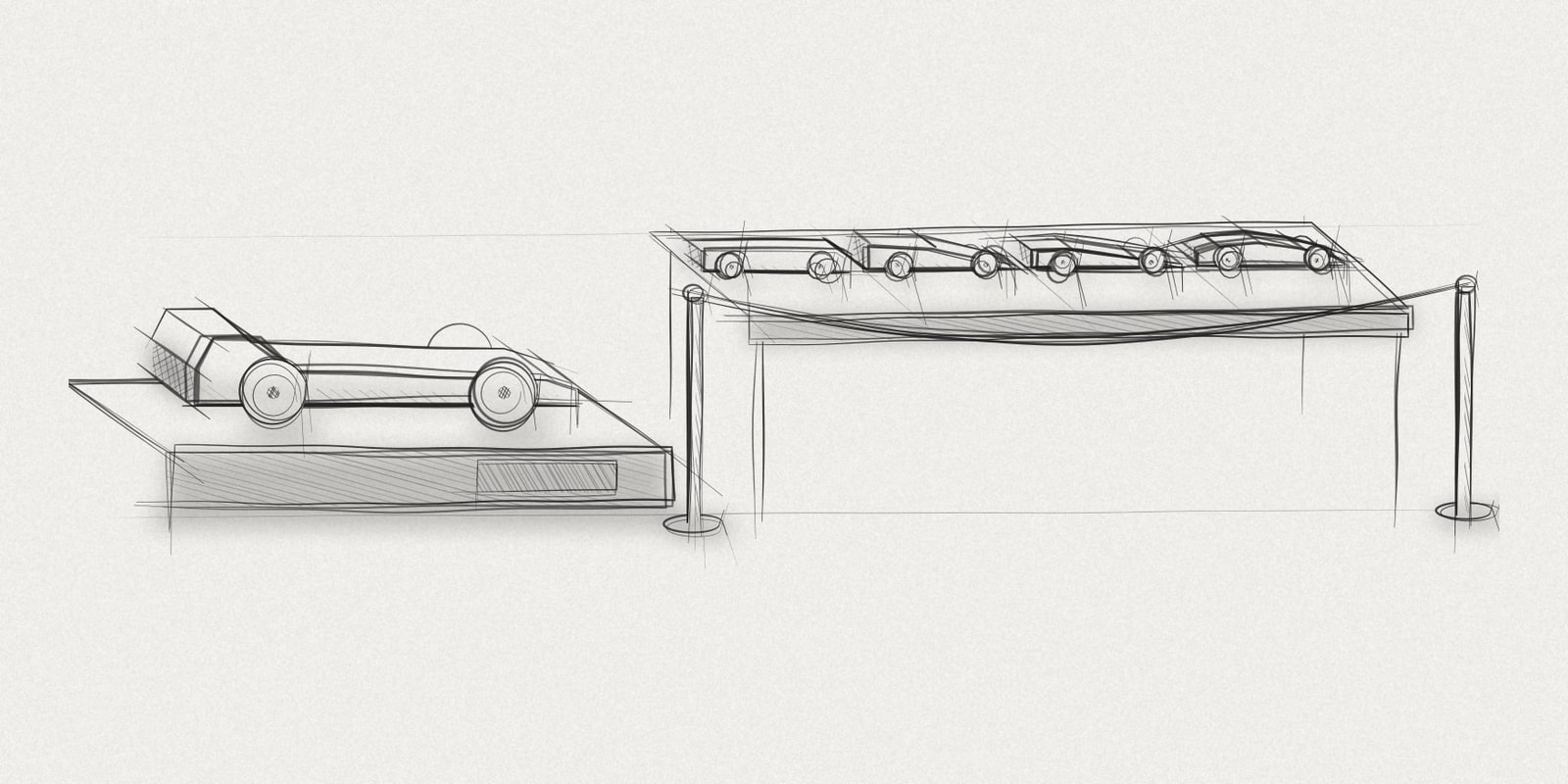
Our pinewood derby check-in handles just under 50 cars in about 20 minutes with two people at one table. How it runs, and the one thing I'd change.
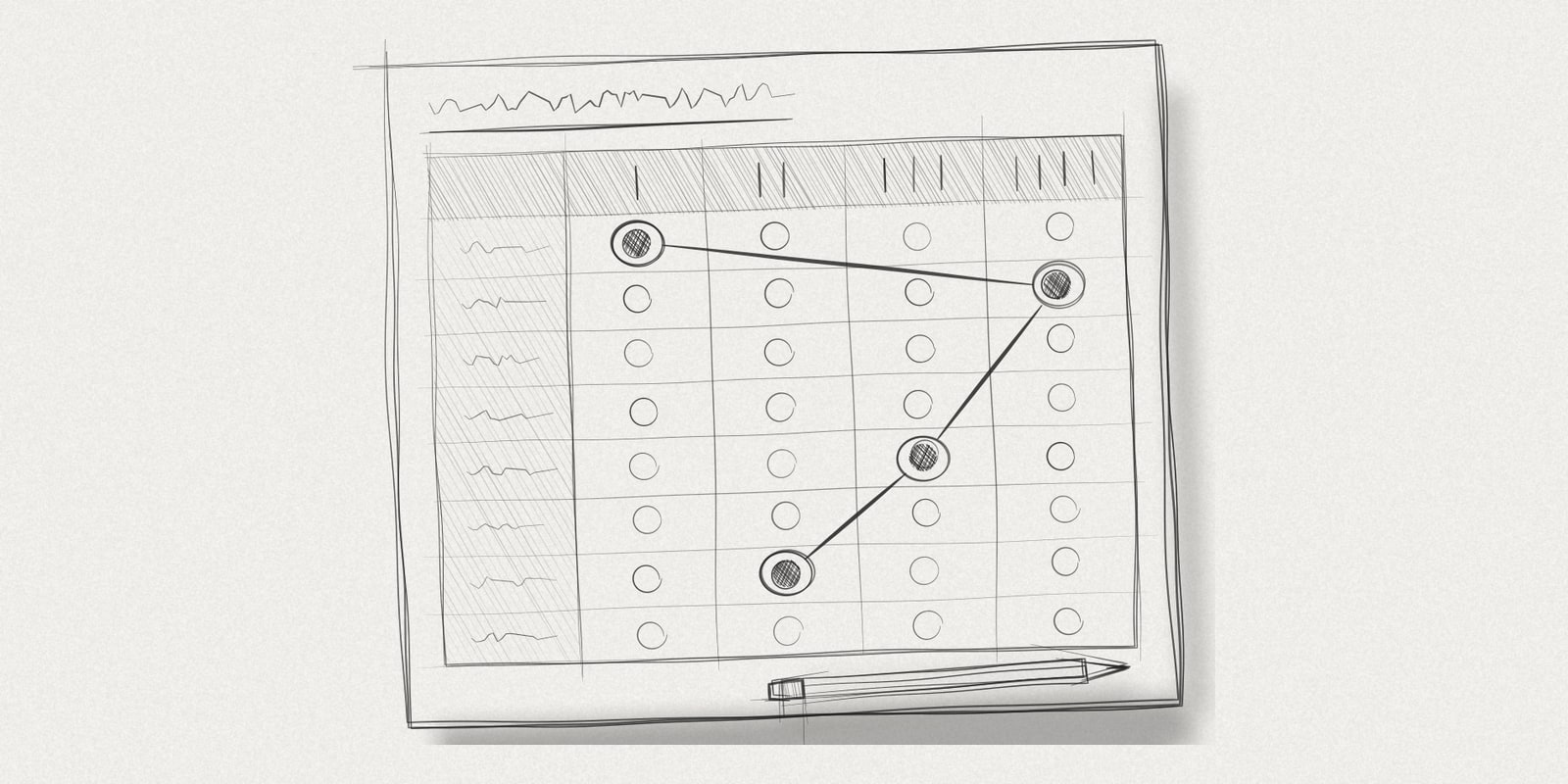
A pinewood derby heat chart puts every car in every lane. For 40 cars on 4 lanes that's 40 heats, and every car runs 4 times. How a fair chart is built.